

In today’s digital world, the ability to convert images into editable text has become extremely important. This is where Picture to Text technology plays a major role. Picture to Text tools allow users to extract written content from images, scanned documents, screenshots, and even handwritten notes. Instead of typing everything manually, you can simply upload an image and let the system do the work.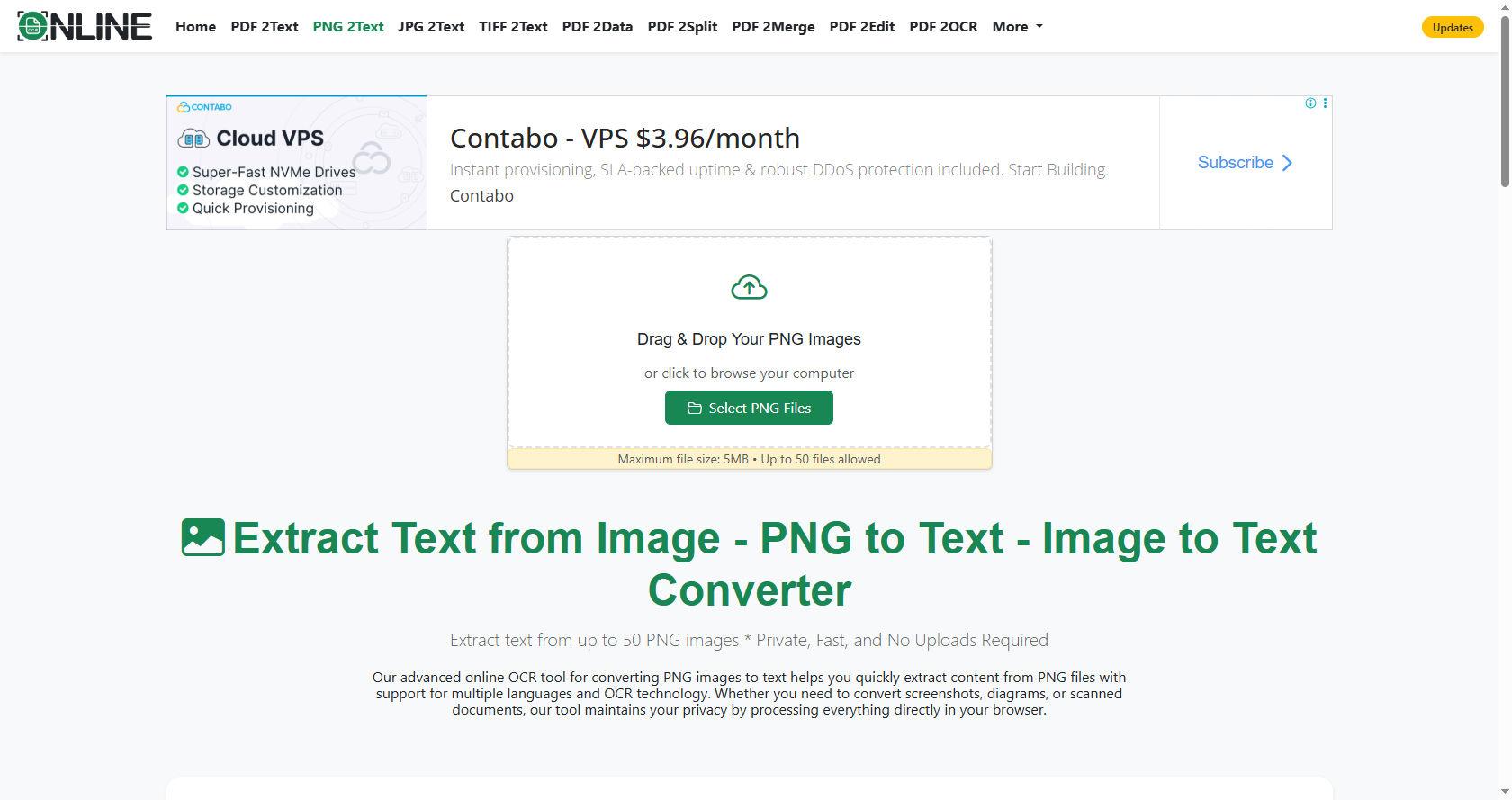
Picture to Text solutions are widely used by students, teachers, businesses, and professionals.
From digitizing old books to scanning receipts and converting classroom notes into digital documents, Picture to Text technology saves time and effort. It also improves accessibility for people who rely on screen readers.
In this comprehensive guide, you will learn how Picture to Text works, the technology behind it, its benefits, challenges, real-world applications, and what the future holds.
What Is Picture to Text?
Picture to Text is a technology that extracts written characters from an image and converts them into machine-readable text. This process is commonly powered by Optical Character Recognition, also known as OCR.
When you take a photo of a document and upload it to a Picture to Text tool, the software analyzes the shapes and patterns in the image. It identifies letters, numbers, and symbols, then converts them into editable and searchable text.
Unlike simple image viewing, Picture to Text allows users to copy, edit, search, and store information digitally. This makes it highly useful for academic, professional, and personal use.
The Core Technology Behind Picture to Text
To understand how Picture to Text works, we must look at the technologies that power it. The main components include:
Optical Character Recognition (OCR)
OCR is the foundation of Picture to Text systems. OCR technology recognizes characters in images by analyzing their shapes and comparing them to stored patterns.
The concept of OCR has been around for decades, but modern Picture to Text systems use advanced machine learning to improve accuracy.
Artificial Intelligence and Machine Learning
Modern Picture to Text tools rely heavily on Artificial Intelligence (AI). AI allows the system to learn from thousands or millions of text samples. This improves its ability to recognize different fonts, handwriting styles, and languages.
Machine learning algorithms help Picture to Text systems adapt over time. The more data they process, the smarter they become.
Image Processing Techniques
Before text can be recognized, the image must be prepared. Image processing enhances the quality of the picture. This includes:
-
Removing noise
-
Adjusting brightness and contrast
-
Straightening tilted images
-
Sharpening blurred text
These steps ensure that Picture to Text tools can read the image accurately.
Step-by-Step Process of How Picture to Text Works
Let’s break down the entire process of how Picture to Text converts an image into editable text.
Step 1: Image Upload
The process begins when a user uploads an image. This image may be a scanned document, a photo of a page, or a screenshot.
The Picture to Text system first reads the image file and prepares it for analysis.
Step 2: Pre-Processing
In this stage, the system improves image quality. It removes background noise and enhances text clarity. If the image is crooked, the Picture to Text software aligns it properly.
This step is crucial because poor image quality can reduce accuracy.
Step 3: Text Detection
Next, the Picture to Text tool identifies areas in the image that contain text. It separates text from images, graphics, or blank spaces.
Advanced systems use AI to detect text blocks, paragraphs, and lines.
Step 4: Character Recognition
This is the heart of the Picture to Text process. The OCR engine analyzes each character. It compares shapes to known letters and numbers stored in its database.
If the image contains handwritten text, AI-based Picture to Text systems use pattern recognition to interpret it.
Step 5: Post-Processing
After characters are recognized, the system corrects possible errors. It checks spelling and grammar to improve accuracy.
Some Picture to Text tools even use language models to predict words based on context.
Step 6: Output Generation
Finally, the recognized text is presented to the user. The Picture to Text result can usually be copied, edited, or downloaded in formats like Word, PDF, or plain text.
Types of Picture to Text Systems
Not all Picture to Text systems are the same. There are different types based on their purpose and technology.
Basic OCR Tools
Basic Picture to Text tools focus on printed text. They work best with clear, typed documents.
These systems are simple but effective for scanning books and reports.
Handwriting Recognition Systems
Advanced Picture to Text tools can recognize handwritten text. This is more complex because handwriting styles vary widely.
AI-powered models improve accuracy by learning from large datasets of handwriting samples.
Mobile Apps
Many smartphone apps now offer Picture to Text functionality. Users can take a photo and instantly convert it into text.
This makes Picture to Text accessible to anyone with a mobile device.
Cloud-Based Systems
Cloud-based Picture to Text platforms process images on remote servers. This allows them to use powerful AI models and provide faster results.
They are commonly used by businesses and educational institutions.
Real-World Applications of Picture to Text
Picture to Text technology is used in many areas of daily life.
Education
Students use Picture to Text to digitize notes and textbook pages. Teachers use it to convert printed materials into editable documents.
Picture to Text also helps create accessible learning materials for students with visual impairments.
Business and Offices
Businesses use Picture to Text to scan invoices, contracts, and receipts. Instead of manual data entry, employees can rely on automated systems.
This increases efficiency and reduces human error.
Healthcare
Hospitals use Picture to Text to digitize patient records and prescriptions. This makes record management easier and faster.
Legal Sector
Law firms use Picture to Text to convert printed case files into searchable digital documents.
Travel and Translation
Picture to Text combined with translation software allows users to scan foreign text and instantly understand it.
Benefits of Using Picture to Text
There are many advantages to using Picture to Text tools.
Saves Time
Manually typing text from an image can take hours. Picture to Text completes the task in seconds.
Improves Accuracy
While manual typing may lead to errors, advanced Picture to Text systems provide high accuracy rates.
Enhances Productivity
Employees and students can focus on important tasks instead of data entry.
Increases Accessibility
Picture to Text allows visually impaired users to convert printed materials into digital text that can be read by screen readers.
Supports Digital Transformation
Organizations moving toward paperless systems depend heavily on Picture to Text technology.
Challenges in Picture to Text Technology
Despite its advantages, Picture to Text has some challenges.
Poor Image Quality
Blurry or low-resolution images can reduce accuracy.
Complex Layouts
Documents with tables, columns, or graphics can confuse basic Picture to Text systems.
Handwriting Variations
Handwriting recognition remains difficult due to different writing styles.
Language and Font Diversity
Picture to Text tools must support multiple languages and fonts, which requires extensive training data.
Accuracy Factors in Picture to Text
Several factors affect the performance of Picture to Text systems.
-
Image resolution
-
Lighting conditions
-
Font clarity
-
Background noise
-
Alignment
High-quality images produce better Picture to Text results.
Security and Privacy in Picture to Text
When using online Picture to Text tools, privacy is important.
Users should ensure that the platform protects uploaded data. Many professional Picture to Text services use encryption and secure servers to keep information safe.
Businesses dealing with sensitive information should choose trusted providers.
The Role of AI in Modern Picture to Text
Artificial Intelligence has transformed Picture to Text technology.
Traditional OCR relied on pattern matching. Modern AI-based Picture to Text systems use deep learning neural networks.
These networks learn from vast amounts of data. They recognize patterns more accurately and adapt to new fonts and languages.
AI also helps Picture to Text systems understand context. For example, if a word is unclear, the system can predict it based on surrounding words.
Future of Picture to Text Technology
The future of Picture to Text looks promising.
Advancements in AI will improve handwriting recognition and support more languages.
Real-time Picture to Text conversion through augmented reality glasses or smart devices may become common.
As technology evolves, Picture to Text will become faster, smarter, and more accurate.
Tips for Getting the Best Results from Picture to Text
To maximize accuracy, follow these tips:
-
Use clear, high-resolution images.
-
Ensure proper lighting.
-
Avoid shadows on the document.
-
Keep the image straight.
-
Use trusted Picture to Text software.
These simple steps can greatly improve the output quality.
Comparing Manual Typing vs Picture to Text
Manual typing requires time and concentration. It is prone to errors and fatigue.
Picture to Text automates the process. It reduces workload and speeds up document digitization.
For large volumes of text, Picture to Text is far more efficient than manual methods.
Why Picture to Text Matters in the Digital Age
We live in a world where information is constantly being created. Books, notes, receipts, forms, and printed documents are everywhere.
Picture to Text bridges the gap between physical and digital information. It allows us to store, edit, and share content easily.
Without Picture to Text, converting physical documents into digital format would require enormous manual effort.
Common Misconceptions About Picture to Text
Some people believe Picture to Text is always 100% accurate. In reality, accuracy depends on image quality and system capability.
Others think Picture to Text only works for printed text. Modern AI systems can also handle handwriting and complex layouts.
Understanding these facts helps users set realistic expectations.
Conclusion
Picture to Text technology has revolutionized the way we interact with printed information. By combining OCR, AI, and advanced image processing, Picture to Text systems convert images into editable, searchable text within seconds.
From education and healthcare to business and legal industries, Picture to Text plays a critical role in improving efficiency and accessibility. Although challenges like handwriting recognition and complex layouts still exist, continuous advancements in AI are solving these problems.
As digital transformation continues worldwide, Picture to Text will remain an essential tool for individuals and organizations. It saves time, reduces errors, enhances productivity, and supports accessibility. With proper usage and high-quality images, Picture to Text delivers impressive accuracy and convenience.
In the future, we can expect even smarter and faster Picture to Text solutions that integrate seamlessly into our daily lives. Whether you are a student scanning notes, a professional digitizing documents, or a traveler translating foreign text, Picture to Text offers a powerful and practical solution.