

Dream 4K IPTV may work on Android TV depending on the service's supported app, subscription method, and the way its IPTV credentials are provided. Android TV is designed to support streaming applications, media players, and IPTV-related apps, making it a flexible platform for watching internet-based television.However, compatibility is not determined by the name of an IPTV service alone. 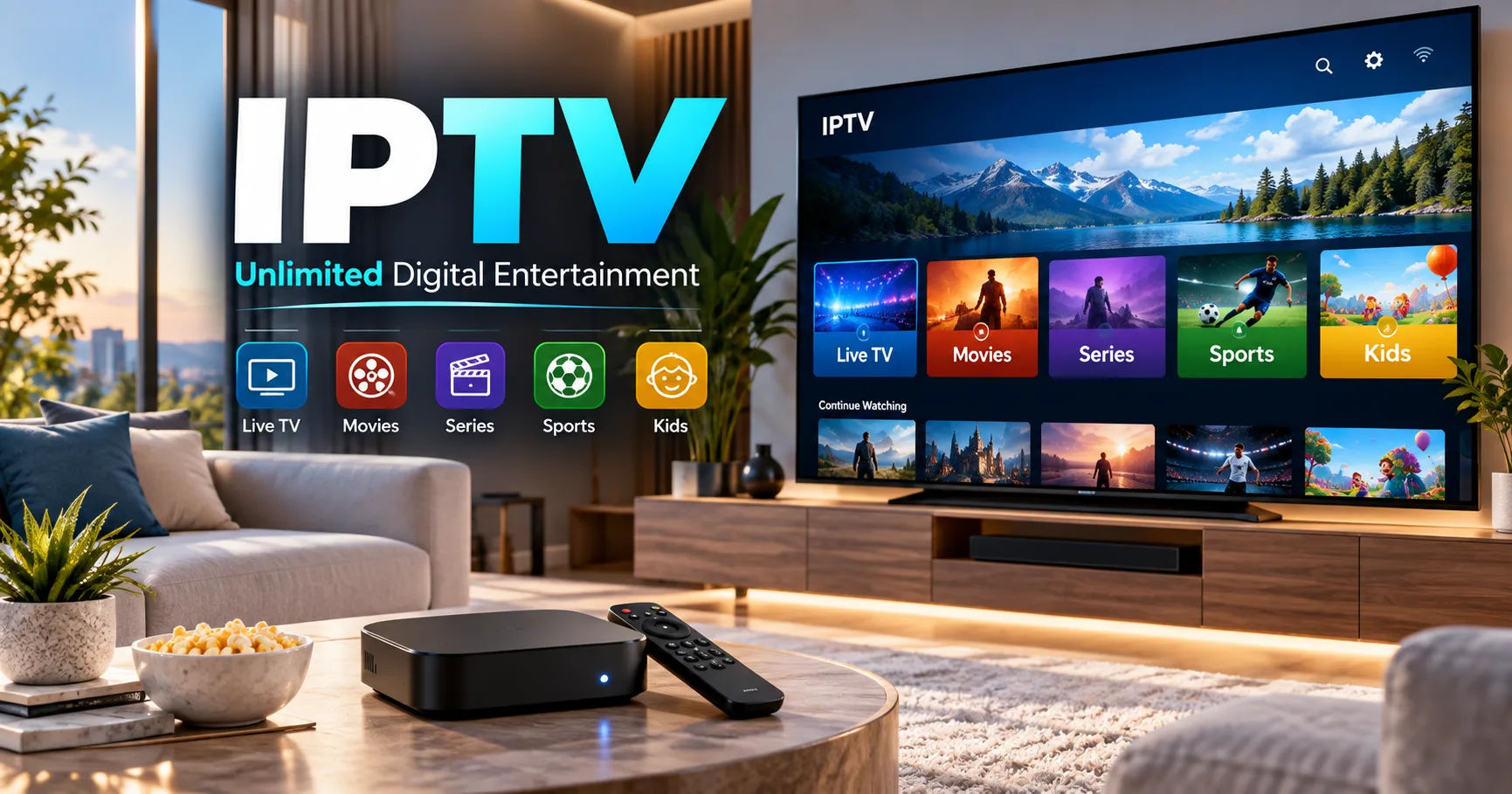 You need to check whether the provider offers an Android TV-compatible application or provides login details that can be used with a compatible IPTV player. Device specifications, internet speed, app availability, and subscription terms can also affect the experience.
This comprehensive guide explains how Android TV works with IPTV services, what you need to check before using Dream 4K IPTV, how setup generally works, and how to troubleshoot common problems.
What Is Dream 4K IPTV?
Dream 4K IPTV refers to an internet-based television service that can provide television channels and other streaming content through an internet connection. Unlike traditional cable or satellite television, IPTV delivers content using internet protocols.
The exact features available depend on the provider and subscription package. Some IPTV services may advertise live television, video-on-demand content, sports, movies, international channels, or high-resolution streams.
Before subscribing, users should check the provider's current channel list, supported devices, pricing, terms of service, and whether the content is legally licensed in their location.
What Is Android TV?
Android TV is Google's television-focused operating system. It is used on many smart TVs and streaming devices.
The platform supports applications through the Google Play Store, although the exact applications available can vary according to the device, region, and operating-system version.
Android TV can run many types of streaming applications. It can also work with compatible media-player applications when an IPTV provider supplies information such as an M3U playlist or Xtream-compatible credentials.
Can Dream 4K IPTV Work on Android TV?
In general, Dream 4K IPTV can work on Android TV if the service provides a compatible application or supports a compatible IPTV player.
There are several possible ways this can happen.
The first is through an official Android TV application. If the provider has an app specifically designed for Android TV, users can generally install it from the appropriate official source and sign in using their subscription details.
The second method involves using a third-party IPTV player. Some IPTV providers do not create their own viewing application. Instead, they provide playlist or login information that can be entered into a compatible player.
The third possibility is using an Android application designed for mobile devices. However, this is not always ideal on a television because mobile applications may not have been designed for remote controls or large screens.
What Should You Check Before Installing It?
Before trying to use Dream 4K IPTV on your Android TV, there are several important things to verify.
Check Android TV Compatibility
Start by checking whether the IPTV application officially supports Android TV.
A television application should ideally support navigation using a remote control. An app designed only for smartphones may require touch controls and therefore provide a poor television experience.
Also check the Android version required by the application.
Check the Provider's Instructions
Your IPTV provider should explain how its service is accessed.
Depending on the service, you may receive an application, username and password, an M3U playlist URL, or other login information.
Follow the provider's official setup instructions rather than downloading random applications from unknown websites.
Check Your Subscription
Some IPTV subscriptions may limit the number of devices that can be used at the same time.
For example, a subscription could permit one active connection while another package might support multiple devices. Trying to use an account on more devices than permitted could result in connection problems.
Read the subscription conditions before configuring multiple devices.
How to Set Up IPTV on Android TV
The exact procedure depends on the application and the IPTV provider, but the general process is straightforward.
Step 1: Connect Android TV to the Internet
Make sure your Android TV has a stable internet connection.
You can normally connect through Wi-Fi or Ethernet. Ethernet can provide a more consistent connection when the television is located near a router.
For high-resolution streaming, connection stability is particularly important.
Step 2: Open the Google Play Store
On a supported Android TV device, open the Google Play Store.
Search for the official application recommended by your IPTV provider. If the provider recommends a particular compatible IPTV player, search for that application instead.
Only install software from a source you trust.
Step 3: Install the Appropriate Application
Select the compatible application and install it.
After installation, open the application and follow its instructions.
Some IPTV applications may require you to accept permissions or complete an initial configuration.
Step 4: Enter Your Subscription Details
Depending on the service, you might need to enter a username and password or provide an IPTV playlist URL.
Enter the information carefully. A single incorrect character can prevent the service from connecting.
If your provider supplies a server address, username, password, or playlist, copy the information exactly as provided.
Step 5: Load the Channels
Once the account or playlist has been successfully configured, the application may load the available categories and channels.
The amount of time required can depend on the size of the playlist and the speed of your internet connection.
Internet Speed and Streaming Quality
Internet speed plays an important role in IPTV performance.
A fast connection does not automatically guarantee perfect streaming. Stability, latency, Wi-Fi interference, router performance, and server-side capacity can also affect playback.
Why 4K Requires More Bandwidth
4K video contains considerably more detail than standard-definition video. As a result, high-resolution streams can require more bandwidth.
If several people are using the same internet connection while you are watching a high-resolution stream, available bandwidth may decrease.
For a better experience, use a reliable connection and avoid unnecessary downloads while watching demanding streams.
Wi-Fi vs Ethernet for Android TV
Both Wi-Fi and Ethernet can work for IPTV streaming.
Wi-Fi is convenient because there is no cable running from the router to the television. However, walls, distance, interference, and network congestion can affect wireless performance.
Ethernet provides a wired connection and can be useful when consistent performance is important.
If your Android TV is close enough to your router, Ethernet can be worth considering for demanding streams.
Common Problems With IPTV on Android TV
Even when an IPTV service is technically compatible with Android TV, users may experience problems.
Channels Keep Buffering
Buffering can be caused by an unstable internet connection, network congestion, overloaded servers, or problems with the particular stream.
Try checking other applications on the same television. If other streaming services also buffer, the problem may be related to your home network.
Restarting the router can sometimes resolve temporary network problems.
The Application Will Not Install
If an application cannot be installed, check whether your Android TV device supports it.
Some applications are designed for phones rather than televisions. Others may require a newer Android version.
You should also check available storage space.
Login Details Do Not Work
If your username or password is rejected, carefully verify the credentials.
Make sure there are no unnecessary spaces and that uppercase and lowercase characters are entered correctly when applicable.
If the information is correct but the account still does not work, contact the IPTV provider.
Channels Are Missing
Missing channels can result from playlist changes, subscription restrictions, provider-side changes, or temporary availability problems.
Refresh the playlist if the application provides that option.
If specific channels remain unavailable, contact the provider for clarification.
How to Improve the Viewing Experience
A few simple adjustments can make Android TV streaming more reliable.
Keep your Android TV software updated when updates are available. Application updates can also fix bugs and improve compatibility.
Restart the television occasionally if applications become slow or unstable.
Keep your router in a suitable location when using Wi-Fi. Avoid placing it behind large objects or inside enclosed spaces that can interfere with the wireless signal.
If possible, use a wired Ethernet connection for a more consistent network connection.
Is a 4K TV Required?
No. A 4K television is not necessarily required to use an IPTV service.
A compatible Android TV device can display content according to the capabilities of the television and the stream.
If the source provides 4K content but your television only supports a lower resolution, the television cannot display the full native 4K resolution.
On the other hand, if you have a 4K television and a suitable internet connection, you can potentially benefit from higher-resolution streams when the provider actually supplies them.
Security and Privacy Considerations
Users should also consider security when installing IPTV applications.
Avoid downloading APK files from suspicious websites. Unknown applications can create security and privacy risks.
Use official sources whenever possible. Keep Android TV and installed applications updated, and avoid giving unnecessary permissions to applications.
You should also use legitimate services and make sure the content you access is properly licensed for your region.
What Makes Android TV Useful for IPTV?
Android TV is convenient for IPTV because it combines television hardware with an app-based operating system.
Instead of requiring a separate computer, users can install compatible applications directly on supported televisions or streaming devices.
The remote-control interface also makes it easier to navigate channels, categories, and menus from the sofa.
Another advantage is the wide range of compatible streaming applications available on the Android platform.
Is Dream 4K IPTV Suitable for Every Android TV?
Not necessarily.
Android TV devices differ in hardware, software version, storage capacity, and application compatibility.
A newer television may support an application that an older device cannot run properly. Similarly, an inexpensive streaming device may have different performance characteristics from a high-end Android TV.
Therefore, compatibility should always be confirmed for the specific Android TV model.
Frequently Asked Questions
Can Dream 4K IPTV be installed directly on Android TV?
It depends on whether the provider offers an Android TV-compatible application. If no official application is available, the provider may support a compatible third-party IPTV player instead.
Do I need a special Android TV box?
Not necessarily. If your television already has Android TV or Google TV and supports the required application, you may not need additional hardware.
Does IPTV require fast internet?
IPTV requires a stable internet connection. Higher-resolution streams generally require more bandwidth, while network congestion and unstable Wi-Fi can cause buffering.
Can I watch 4K content on any Android TV?
The television must support 4K resolution to display native 4K video. The quality also depends on whether the IPTV provider actually supplies a 4K stream.
Why does IPTV sometimes buffer even with fast internet?
Speed is only one factor. Wi-Fi interference, router issues, network congestion, server capacity, and problems with a particular stream can also cause buffering.
Is every IPTV service legal?
No. The legality of an IPTV service depends on whether it has the necessary rights or licenses to distribute the content it provides. Users should verify the service's licensing and comply with applicable laws.
Conclusion
Android TV can be a convenient platform for internet-based television, but compatibility with Dream 4K IPTV depends on the specific application, subscription method, Android TV device, and provider instructions.
The most important step is to verify whether the service officially supports Android TV. If it does, follow the provider's setup instructions and use the recommended application. If the provider supplies compatible IPTV credentials instead of its own application, a suitable IPTV player may be another option.
A reliable internet connection is equally important. High-resolution streaming can require substantial bandwidth, and connection stability can have a major effect on playback quality.
Users should also consider application security, device compatibility, subscription limits, and content licensing before getting started.
Overall, Android TV provides the technical environment needed for many IPTV services, but the actual experience depends on the service and device combination. Checking compatibility before subscribing or installing software can help prevent unnecessary problems and make the setup process much easier.